Have you ever had a frustrating experience with slow Wi-Fi? Buffering or slow download speeds while using the internet can be very annoying. Many people look for various ways to solve these problems. In this post, we will introduce useful solutions for when your Wi-Fi speed is slow.
1. Test Your Internet Speed

First, it is important to check your current Wi-Fi speed through a speed test. Try using free speed tests provided by various websites. These tests measure your download speed, upload speed, and ping. Based on the results, you can identify the cause of the problem.
2. Adjust Router Placement
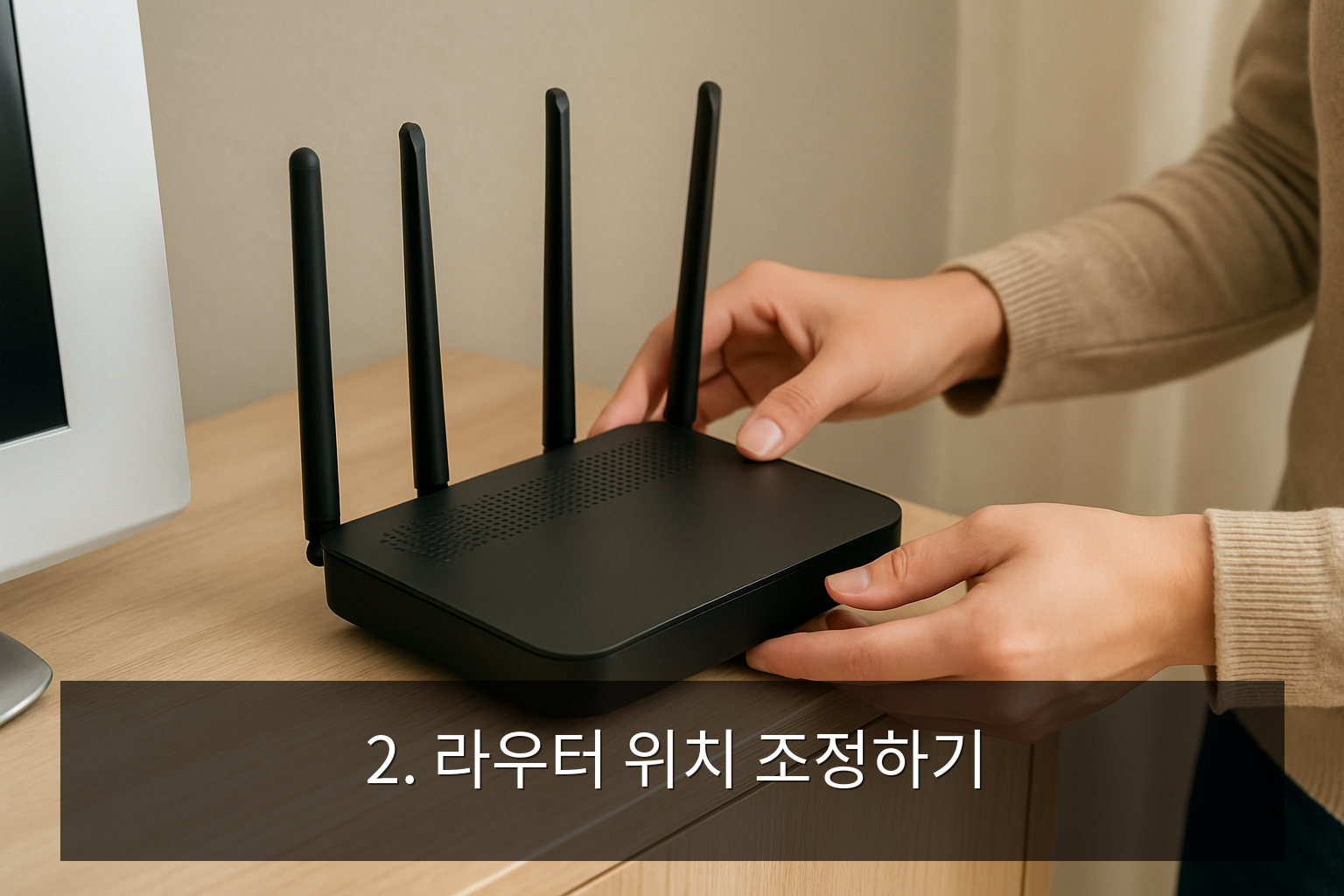
Wi-Fi signals can be affected by obstacles. Try placing the router in the center of your home or moving it to a location with fewer barriers. Also, it is recommended to keep the router away from other electronic devices to minimize interference.
3. Reboot Your Devices

Sometimes, simple methods can be effective. Try turning off both your device and the router, then turning them back on. This process clears the memory and re-establishes the connection.
4. Check Network Settings
Access your router's settings page to check various configurations. In particular, changing the frequency band is a good method. Using the 5GHz band instead of 2.4GHz can increase speed. However, keep in mind that 5GHz is more sensitive to distance and obstacles, so choose accordingly.
5. Check Connected Devices
If multiple devices are connected to the Wi-Fi at the same time, the speed may slow down. Try disconnecting devices you are not using. Also, don't forget to check your devices for viruses or malware.
6. Contact Your ISP
If you have tried all the methods and the speed is still slow, contact your Internet Service Provider (ISP). There may be technical issues or service outages. In this case, you can resolve the problem through ISP support.
7. Use a Wi-Fi Extender
If there are areas with weak signals, consider using a Wi-Fi extender. An extender strengthens the signal and helps you use the internet stably over a wider range. It is easy to install and can be an effective solution.
Summary Checklist
- Perform a speed test
- Adjust router placement
- Reboot devices
- Check network settings
- Disconnect unnecessary devices
- Contact your ISP
- Consider installing a Wi-Fi extender
When your Wi-Fi is slow, there are various ways to solve the problem. Try the methods suggested above one by one and enjoy a smoother internet experience.
Frequently Asked Questions
What is the first thing I should do when Wi-Fi is slow?
It is important to check your current internet speed through a speed test.
How should I adjust the router's position?
It is best to place the router in the center of your home in a location without obstacles.
How do I install a Wi-Fi extender?
After setting up the connection with the router, simply place the Wi-Fi extender in the area where you need the signal.
What information is needed when contacting an ISP?
Having your account information and current speed test results ready will be helpful.
What is the difference between 5GHz and 2.4GHz?
5GHz is faster but sensitive to distance and obstacles, while 2.4GHz supports a wider range but may be slower.